
Face Verification Flow - User Experience
GTF can provide support to ensure UI customizations align with the product design and theme of the client.
Native/Flutter
| Step | Screen |
|---|---|
| Landing Page |  |
| Face Scanning |  . .   |
| Liveness | 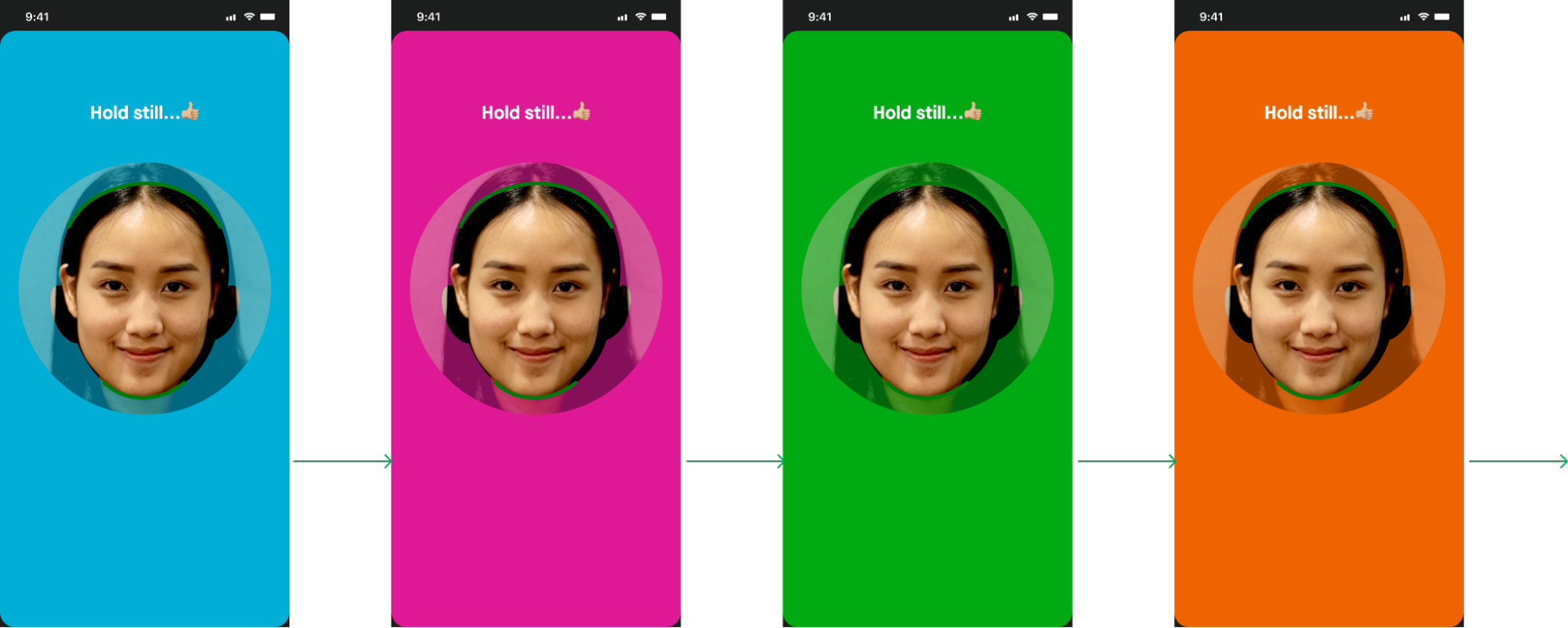 |
| Upload and Verification to BE | 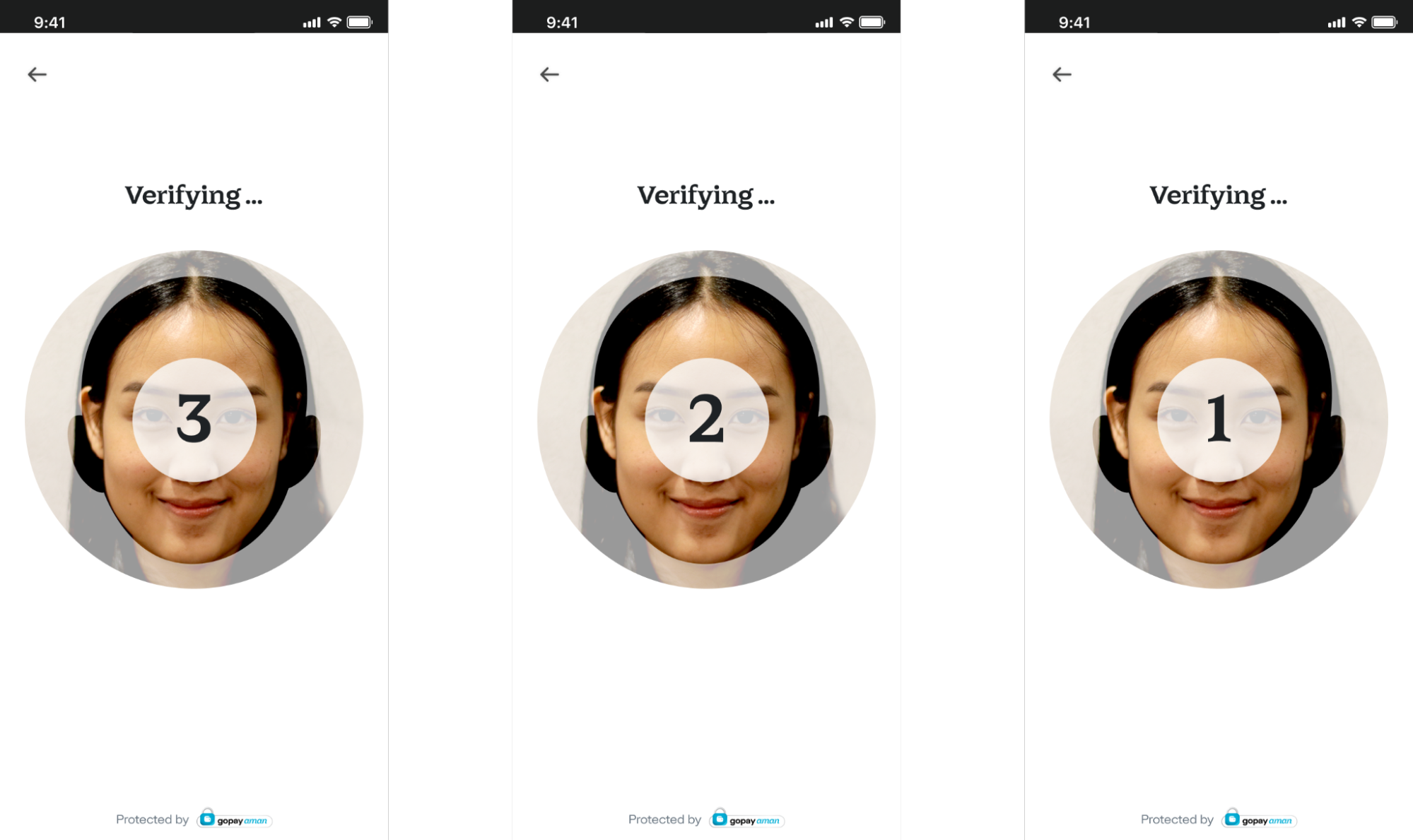 |
| Face Verification Status screen | Success:  Failure: 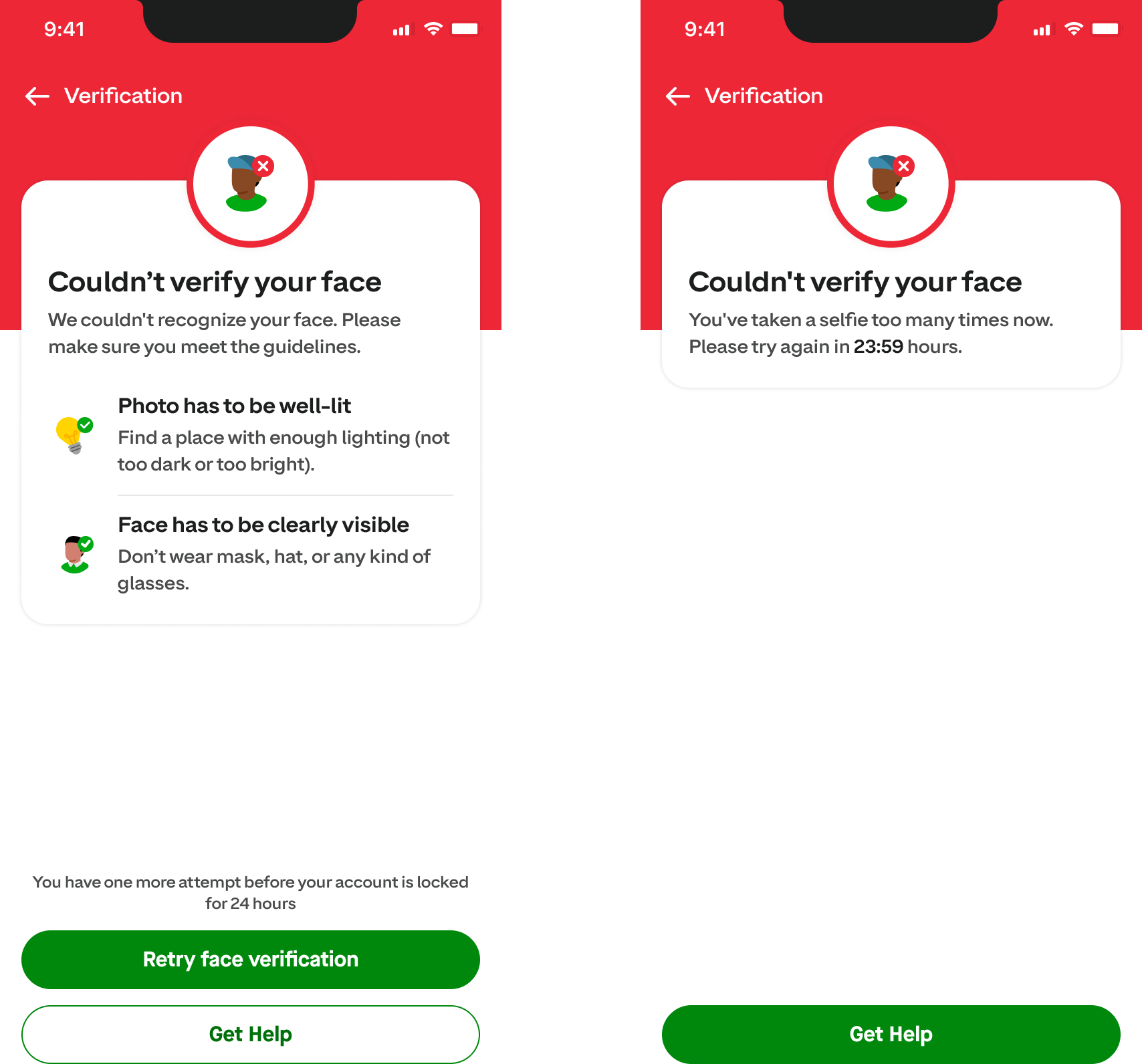 |
H5 (Web)
Face Verification Flow
The Face Verification flow can be launched in any of the following ways:
- Directly in mobile/desktop browser from partner web application
- Directly in mobile browser by scanning QR code
- Within partner native app webview
- Within iframe of partner web application in desktop browser
| Step | Screen |
|---|---|
| Landing Page |  |
| Face Scanning | 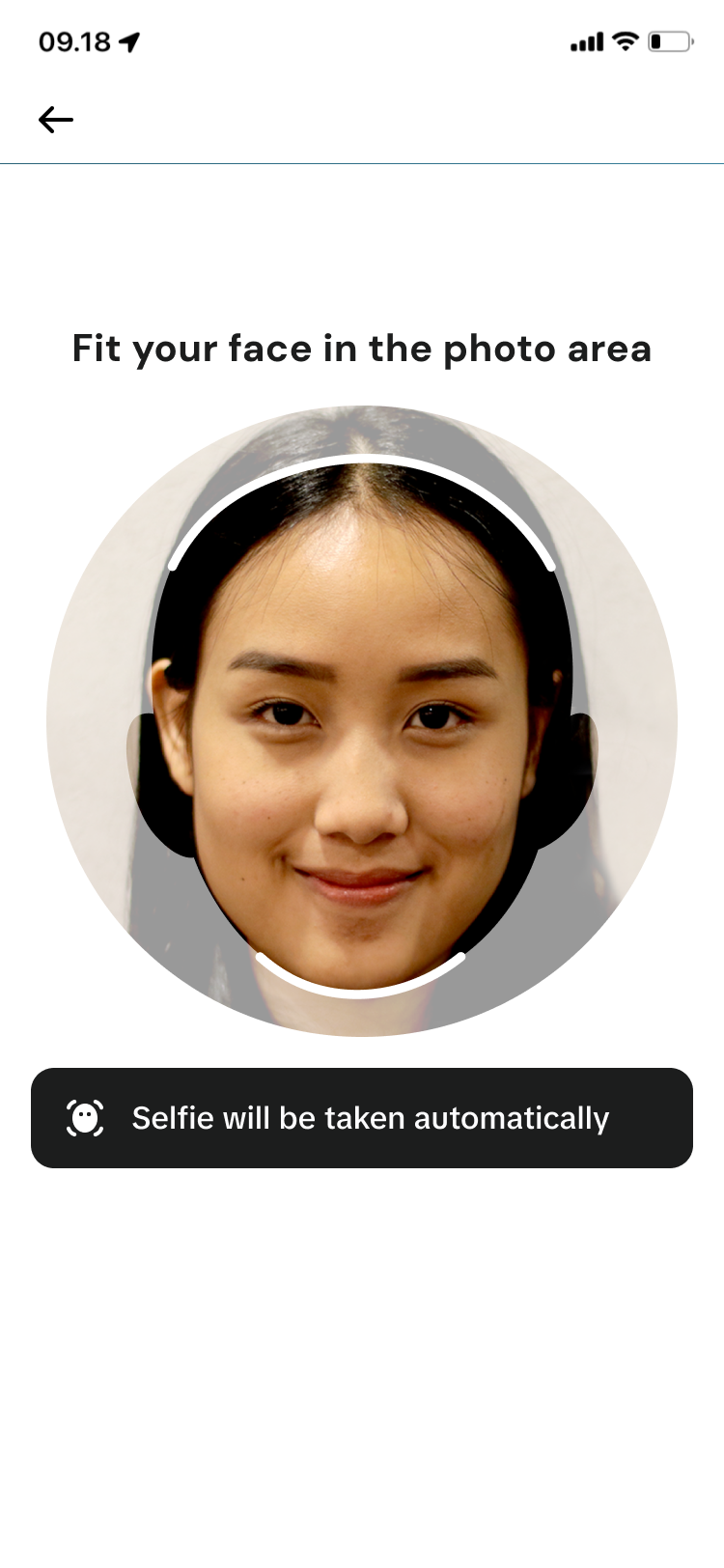 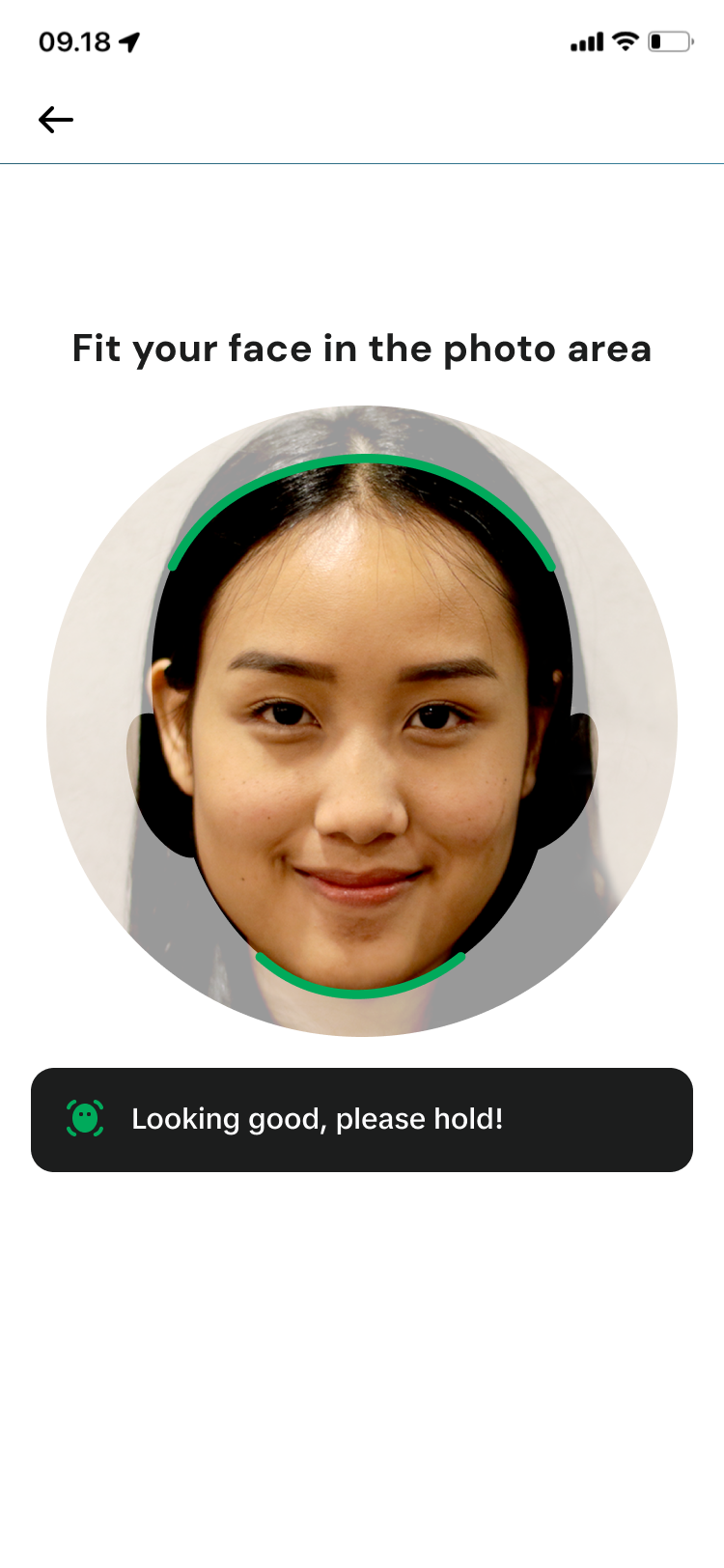 |
| Liveness | 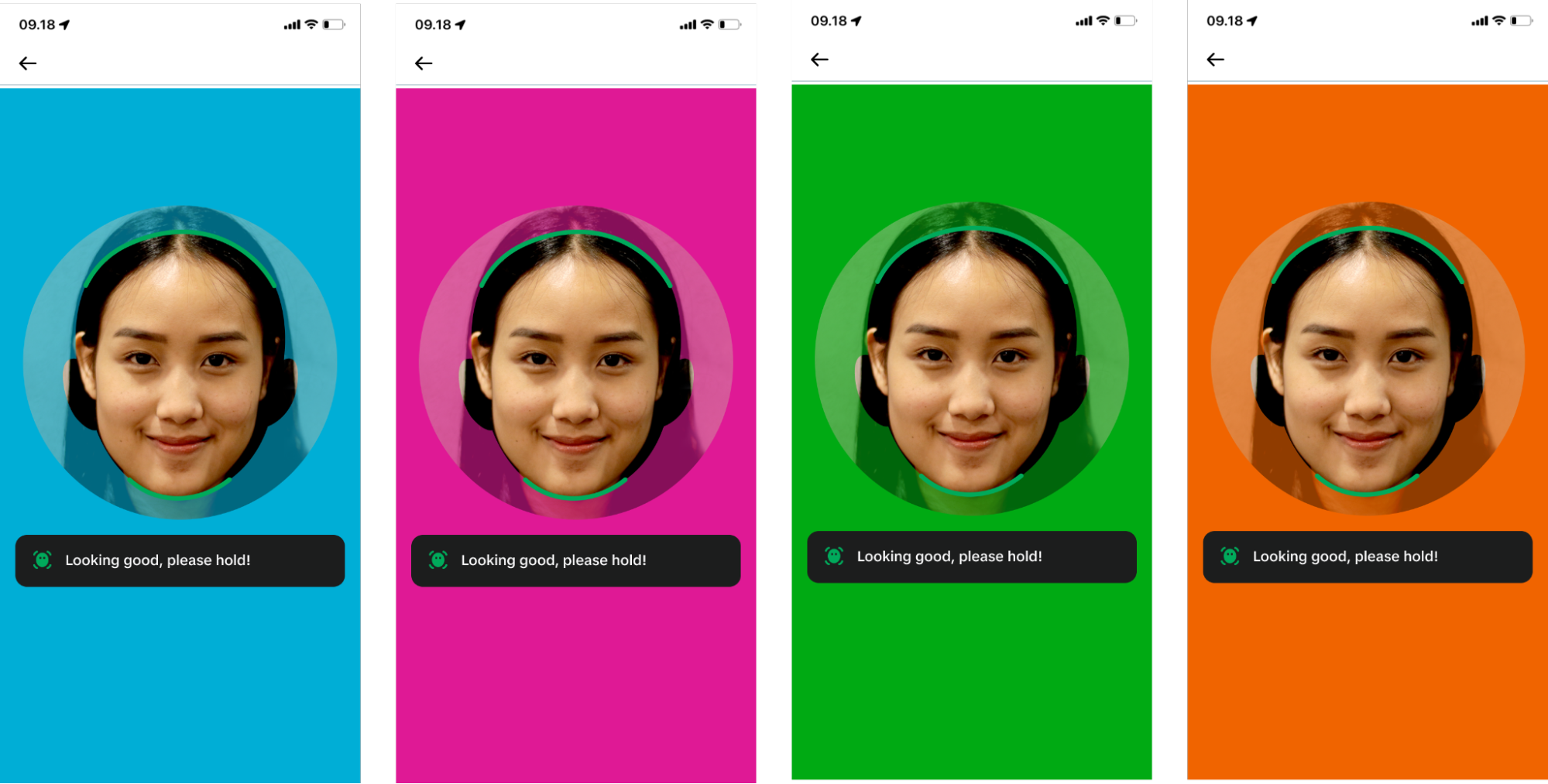 |
| Upload and Verification to BE |  |
| Face Verification Status screen (Success) |  |
| Face Verification Status screen (Failure) | 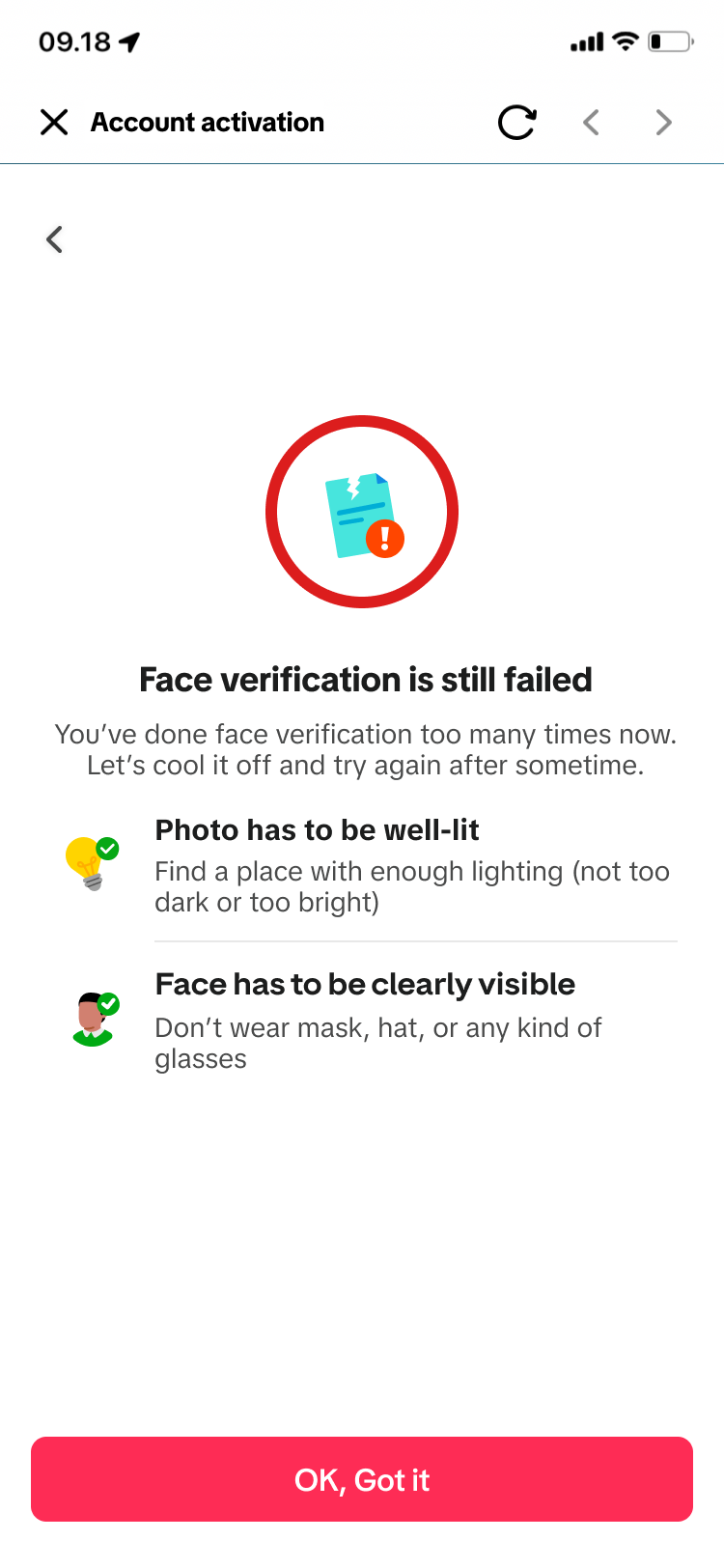 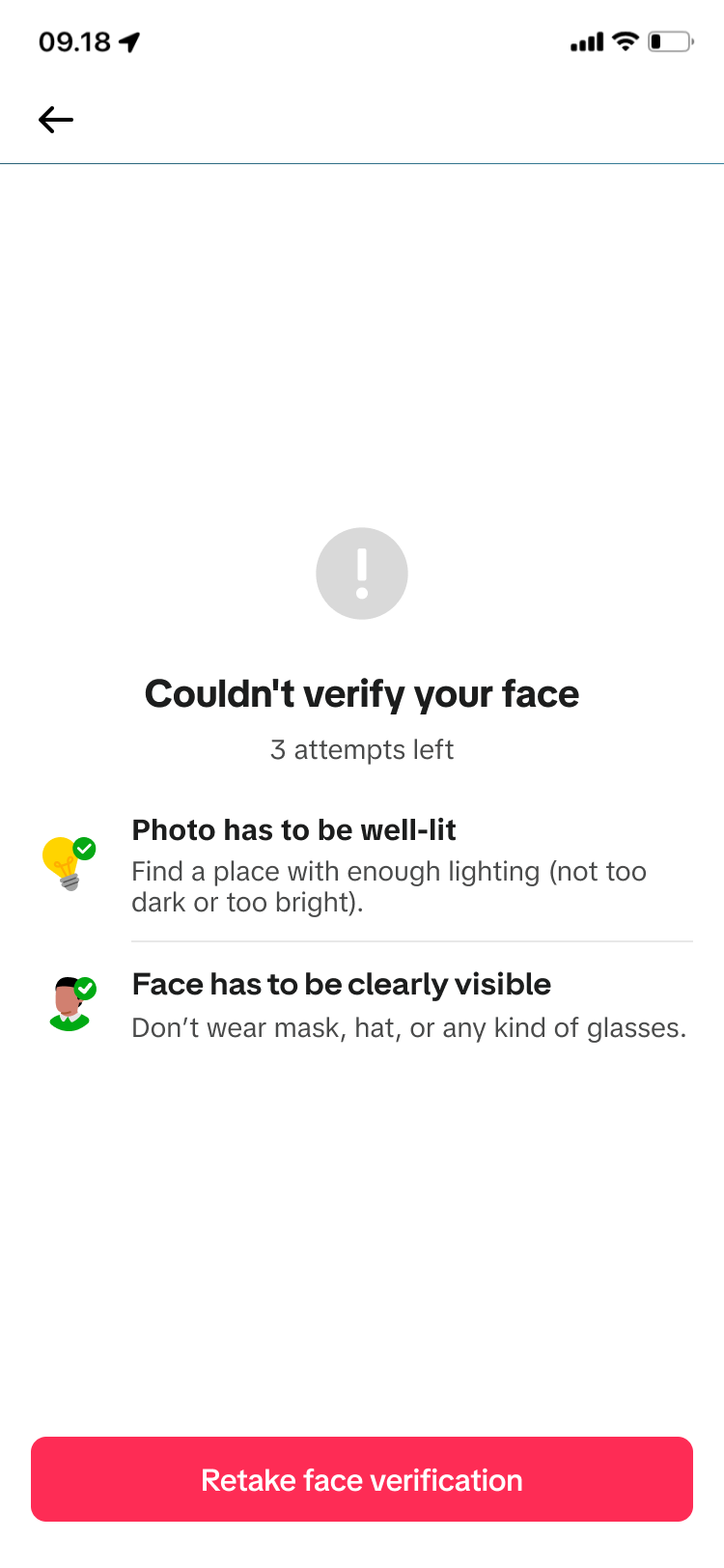 |
QR Redirection Flow
When the QR flow is launched, the user can scan the QR code on the screen to launch the Face Verification flow in the mobile browser.
After the user completes Face Verification in the mobile browser, the status will be displayed on the primary device. On clicking the CTA to exit the flow, IAB will send a callback to the partner application. Alternatively, the partner may choose to have event-based redirection in which case the user will be auto-redirected to the partner upon completion without showing the IAB status screen.
| Step | Screen |
|---|---|
| Landing Page | 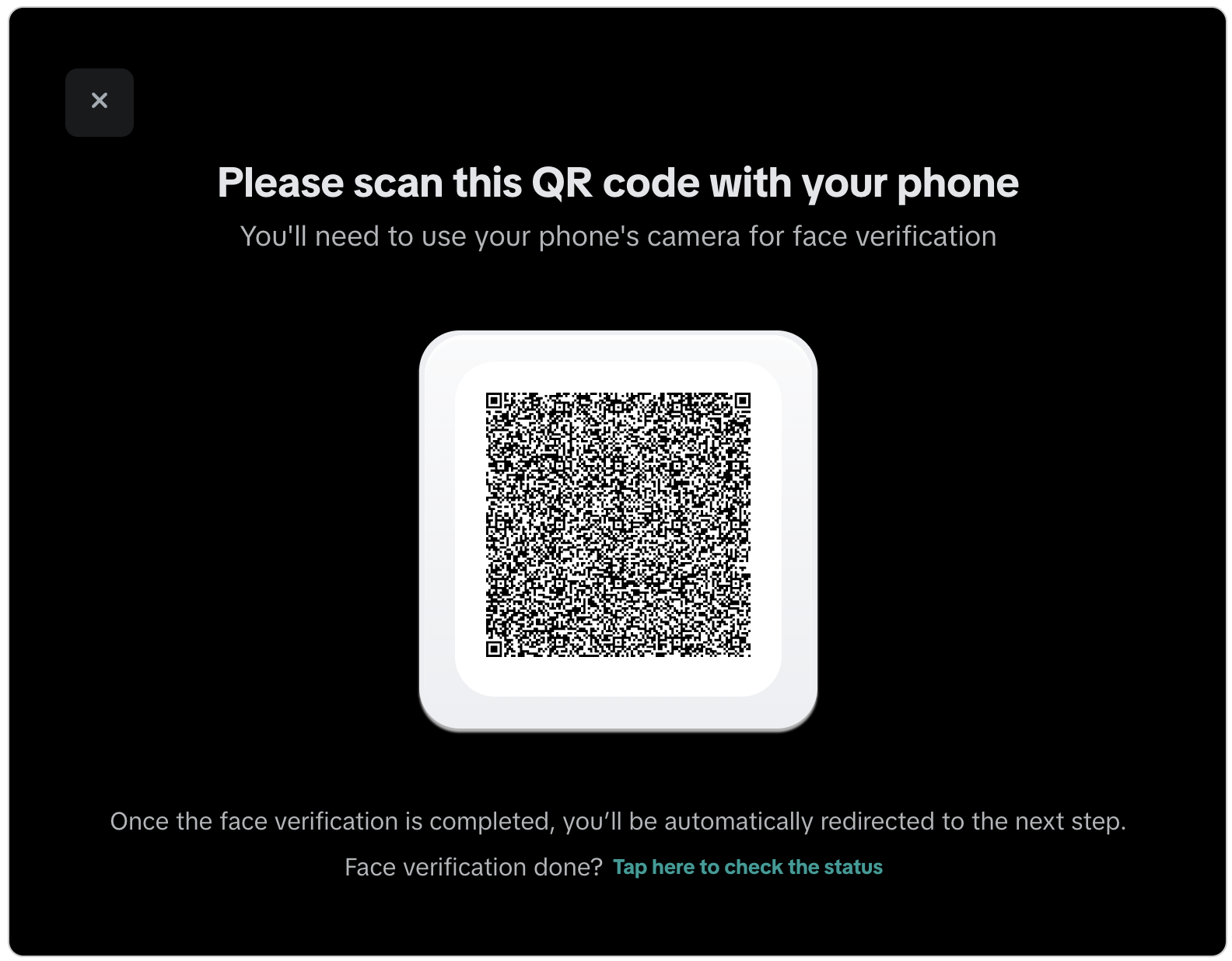 |
| Submission processed |  . . 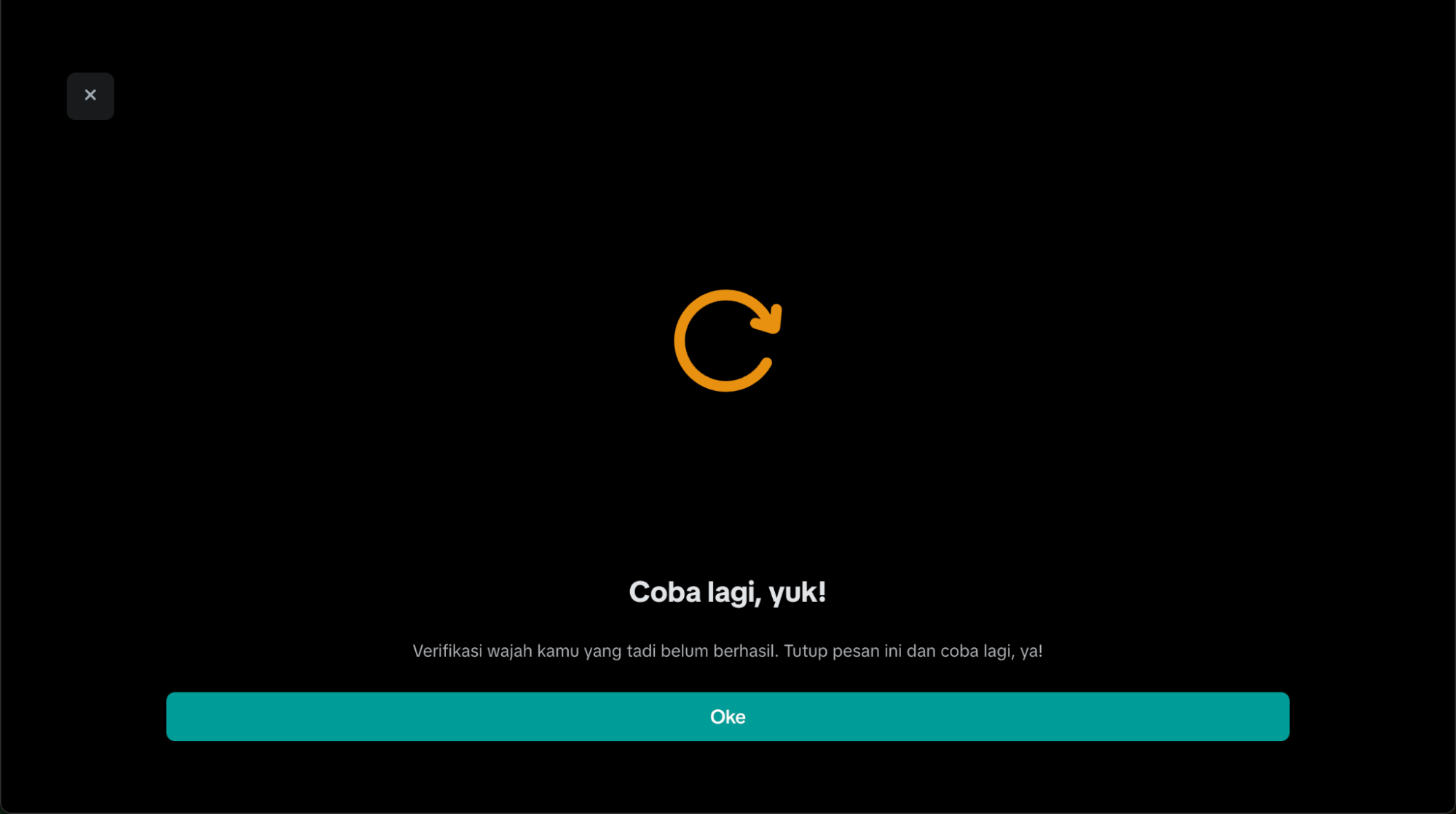 |
| QR code has expired | 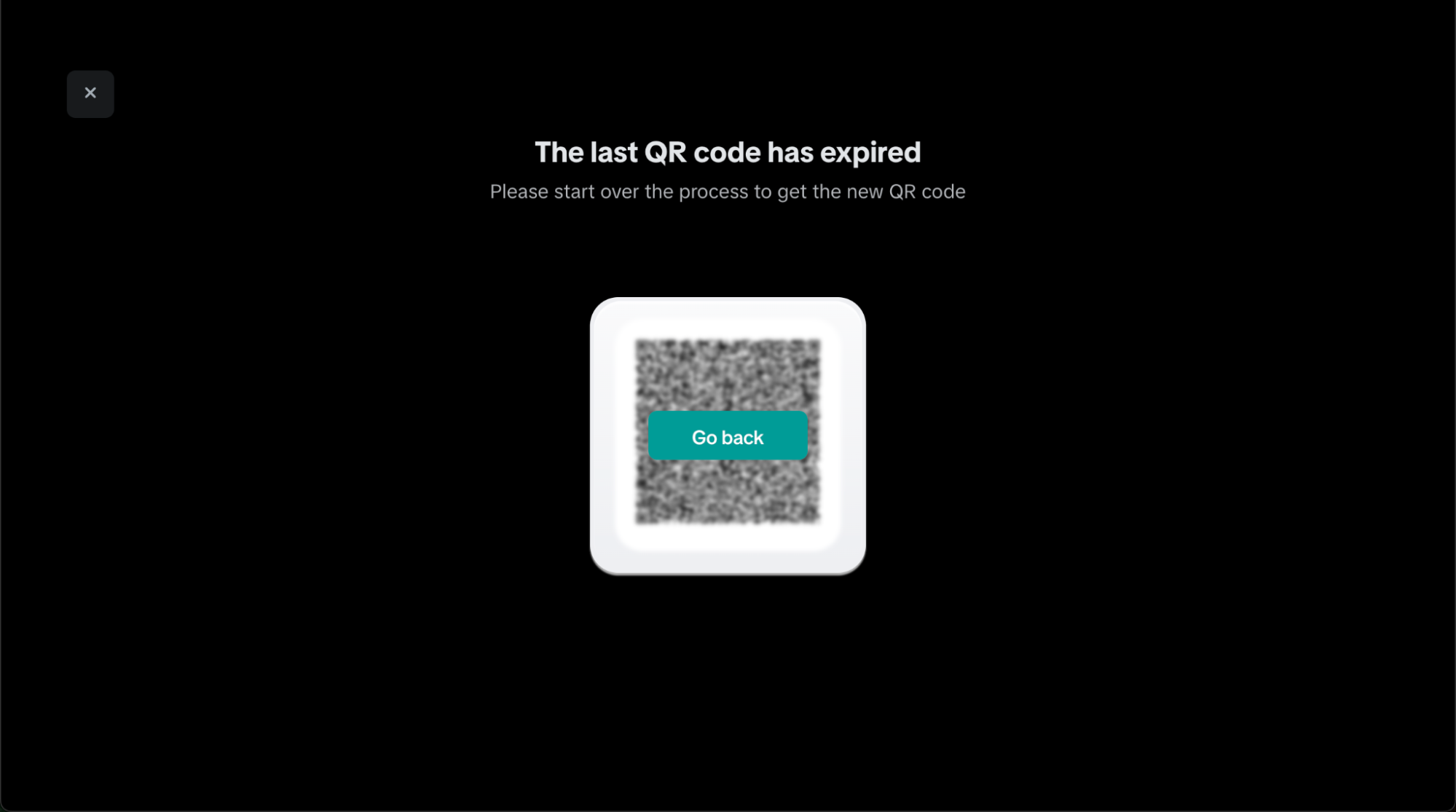 |
| Error screen | 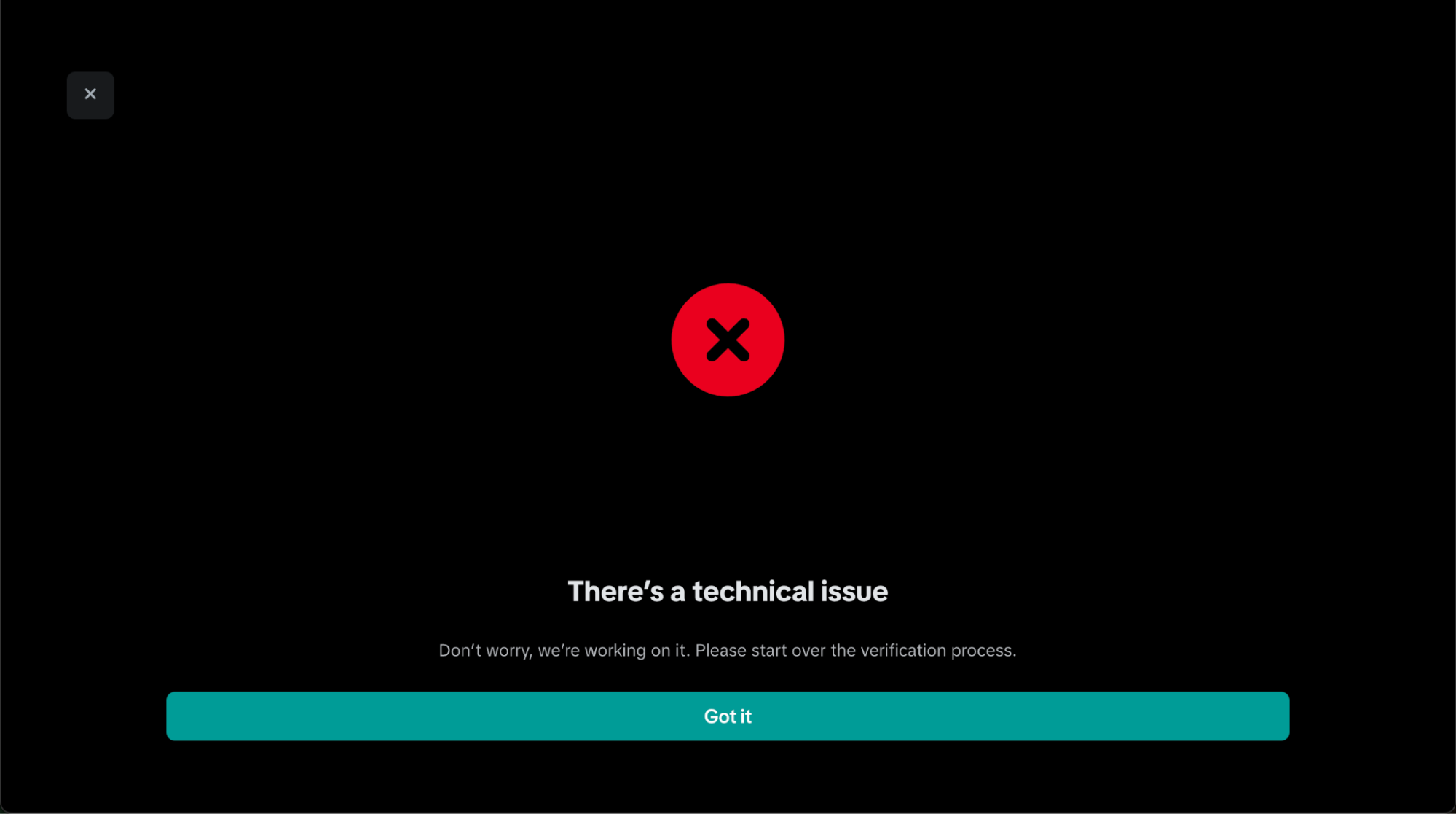 |
| No update | 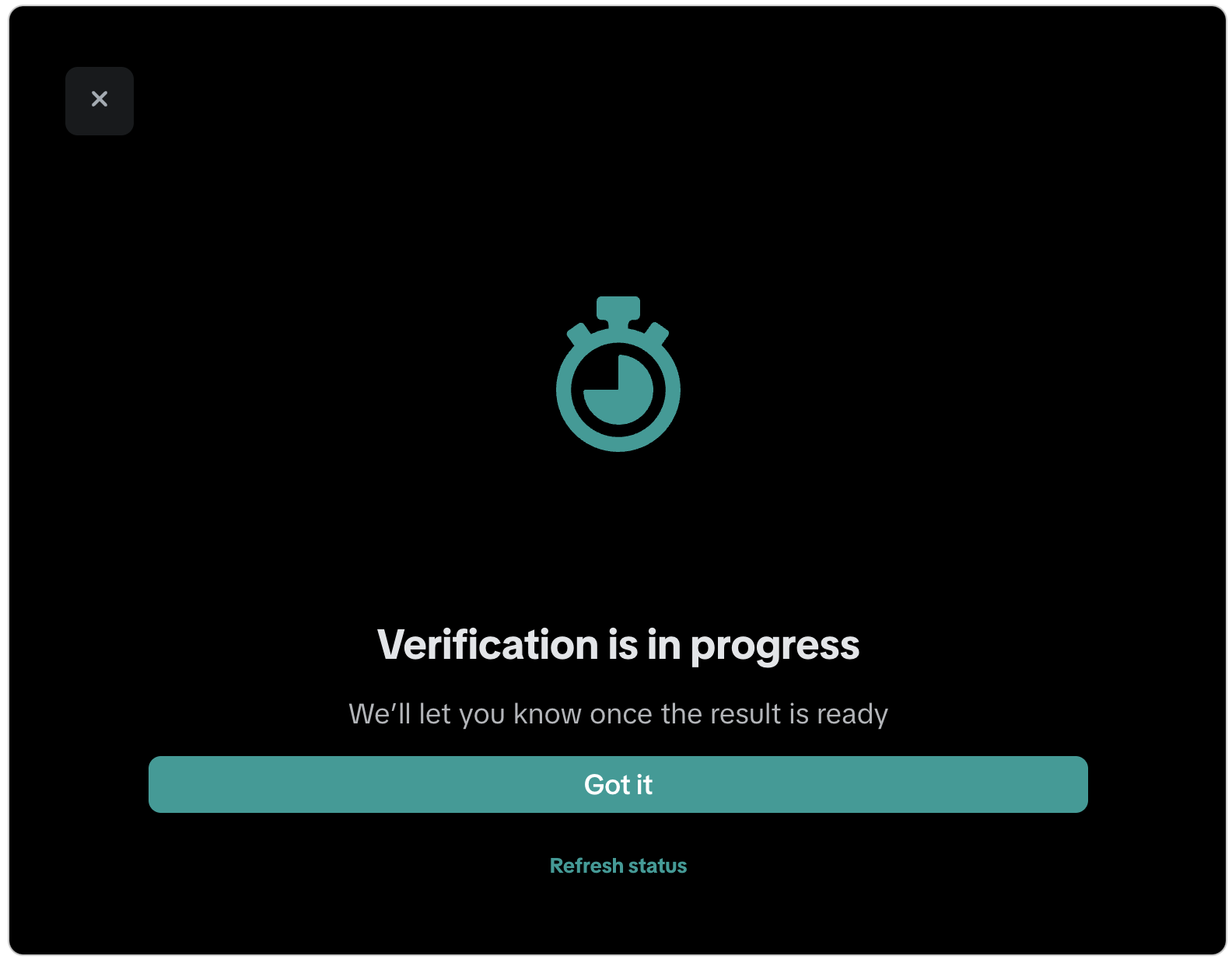 |
Updated 7 months ago
Did this page help you?