
Building on Midtrans with AI
Use our agent skills.md and LLM friendly docs to give the correct Midtrans context to your coding assistants.
Agent skills is still in betaHave any feedback? We would love to hear from you - let us know here.
AI coding agents can already read the Midtrans docs — but docs tell an agent what the API accepts, not how a payment integration should behave. The official Midtrans agent skill adds that layer: it turns the coding agent you already use into a Midtrans integration engineer that checks merchant readiness before writing code, picks the right product for each payment method, and proves the result in sandbox before anything goes live.
The skill is free, open source, and needs no credentials — it calls no Midtrans APIs by itself. Your agent reads it and applies it to your codebase.
Why integrate with the skill
- Reach your first sandbox payment in the first working session. The skill front-loads the decisions that normally consume integration days: which Midtrans product fits each payment method, the exact signature recipes, which of the seven things called a "callback" is actually your fulfillment signal, and how to model payment state so a refresh or a failed provider call never strands an order.
- Skip the classic payment bugs. The skill encodes the mistakes every integration rediscovers the hard way — reformatting
gross_amountbefore hashing the webhook signature, treating Snap'sonSuccessas proof of payment, retrying refunds without an idempotency key, mixing Snap and Core API hosts. Your agent avoids them on the first pass instead of debugging them in production. - Get proof, not "looks done". The skill ships deterministic signature verifiers, signed webhook fixtures, and a webhook replay tool, so your agent demonstrates that signature verification works and your handler is idempotent — locally first, then against sandbox — and tells you exactly what remains unproven.
- Use the agents your team already uses. One skill folder works across Claude Code, OpenAI Codex, GitHub Copilot, Cursor, OpenCode, and any agent that reads Markdown skills.
What it unlocks
| You want to ship | The skill drives |
|---|---|
| Hosted checkout with the broadest method coverage, fastest | Snap (popup, redirect, or embedded) |
| Checkout inside Android/iOS/Flutter/React Native apps | Snap in WebView with e-wallet deeplink returns |
| Your own UI for QRIS, virtual accounts, e-wallets | BI-SNAP (access tokens, all three signature schemes, notification handling) |
| GoPay wallet payments and GoPayLater | GoPay tokenization (account linking, Binding Inquiry, payment-option tokens) |
| Custom card UI, 3DS, one-click, installments, Alfamart/Indomaret | Core API |
| Collecting payment with no checkout code at all | Payment Link via dashboard or API |
| Recurring revenue | Subscription API and recurring billing, with recurring notifications routed correctly |
| After-sales operations | Refunds with idempotency keys, status recovery, sandbox-to-production cutover |
Hybrids are first-class: the skill helps your agent assign an explicit product owner per payment method — for example Snap for cards and OTC, BI-SNAP for QRIS and VA — instead of forcing everything through one product.
Install the skill
With the skills CLI (works with Claude Code, Codex, Cursor, and other supported agents):
npx skills add https://github.com/veritrans/midtrans-agent-skills --yesOr copy the folder manually from the veritrans/midtrans-agent-skills repository:
| Agent | Project location |
|---|---|
| Claude Code | .claude/skills/integrate-midtrans-payments/ |
| OpenAI Codex and compatible agents | .codex/skills/ or .agents/skills/ |
| GitHub Copilot / VS Code | .github/skills/ |
| OpenCode | .opencode/skills/ |
| Cursor and tools without native skills | copy the folder, then point a rule in .cursor/rules/ or AGENTS.md at integrate-midtrans-payments/SKILL.md |
Manually copied skills do not auto-update — refresh the folder before major payment work.
How development works
Use integrate-midtrans-payments to add Midtrans Snap checkout to this app.From that one prompt, a correctly loaded skill walks your agent through:
- Merchant readiness preflight. The agent confirms account/MID state, sandbox credentials, activated payment methods, dashboard callback URLs, and what proof you expect — inferring what it can from your repository and asking only for missing blockers.
- Product routing. Each requested payment method is mapped to its Midtrans product before any code, so Snap, Core API, and BI-SNAP request shapes, auth headers, and status semantics never get mixed.
- Code that fits your codebase. The agent inspects your existing order, payment, webhook, and environment boundaries first, then implements an explicit payment state model with idempotent, replay-safe webhook handling.
- Verification. Deterministic local checks (signature fixtures, webhook replay) come first, then a sandbox smoke test — and the agent reports exactly which proof level you have reached.
More prompts to try:
Use integrate-midtrans-payments to debug why Midtrans webhooks do not update orders.
Use integrate-midtrans-payments to review our BI-SNAP GoPay tokenization implementation before launch.
Use integrate-midtrans-payments to plan a sandbox-to-production cutover checklist for our stack.
Check that the skill is loaded
Two checks, ten seconds:
- Files: the skill folder exists at your agent's skill path (for Claude Code:
.claude/skills/integrate-midtrans-payments/SKILL.md). - Behavior: ask your agent
Use integrate-midtrans-payments to plan adding Midtrans payments to this project.A loaded skill answers with a merchant readiness summary — account/MID, sandbox access, payment methods, callback URLs, expected proof — and asks for missing facts before proposing code. If the agent instead jumps straight into generic payment code, the skill is not loaded: re-run the install, and for Cursor-style tools confirm the rule pointing atSKILL.mdis in the agent's always-loaded instructions.
These are how it would look like in different AI Agents
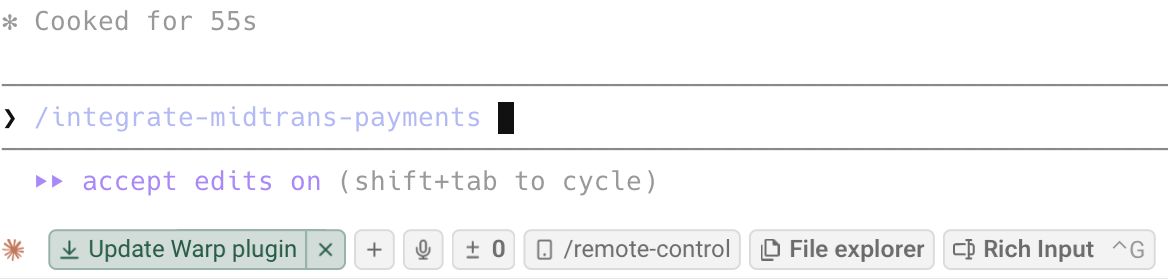
Claude Code

Claude App
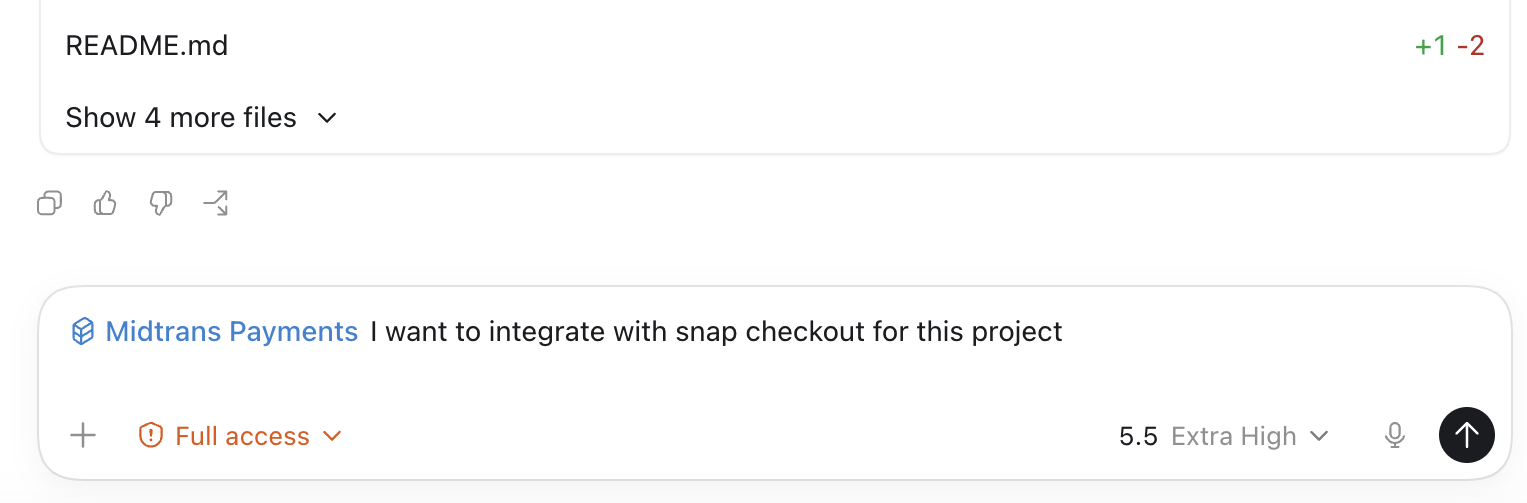
Codex
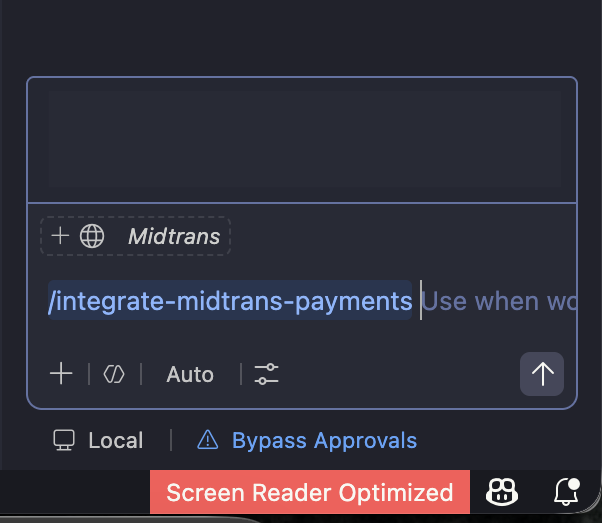
Copilot
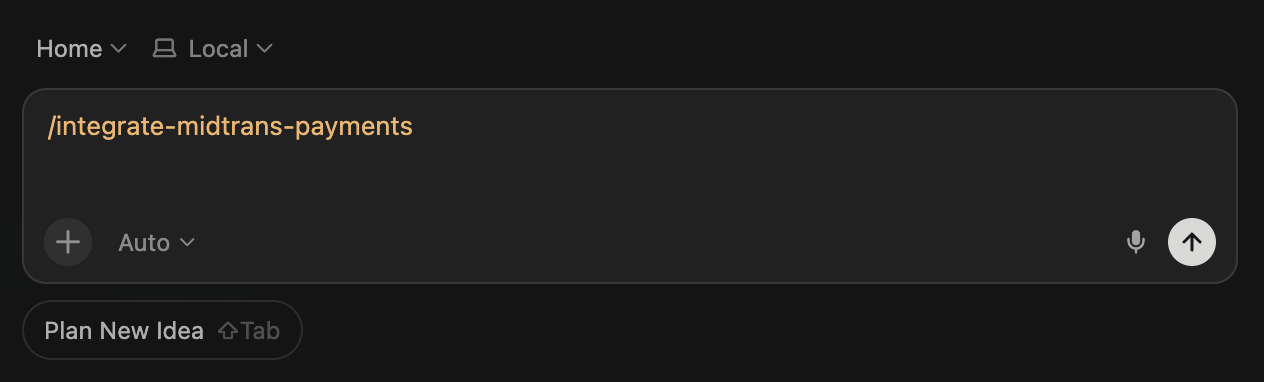
Cursor
Plain text docs
Every page on this documentation site has a Markdown variant: append .md to the URL, for example https://docs.midtrans.com/docs/snap-snap-integration-guide.md. Markdown pages cost fewer tokens than HTML and keep the document structure intact.
The complete page index lives at https://docs.midtrans.com/llms.txt, following the llmstxt.org convention. Point your agent there first; the agent skill treats it as the source of truth and re-reads it on every engagement.
Found a misroute or a gap in the skill? File an issue at github.com/veritrans/midtrans-agent-skills.
Updated 4 months ago