
On GoPay Tokenization webview flow, users will be redirected to GoPay web page to confirm their linking and payments.
Linking
When merchant initiate linking by calling the Create Pay Account API (Legacy flow) or Get Auth Code & Registration Account Binding API (BI SNAP flow), Midtrans will return GoPay web page URL. Merchant is expected to open the page so that user can input the OTP and GoPay PIN. After completion, user will be redirected back to merchant's page.
GoPay has revamped its GoPay Tokenization linking web page on the GoPay Tokenization webview integration on August 2025**
What is new?
GoPay Tokenization linking web page will have new a new look and UI design.
Before
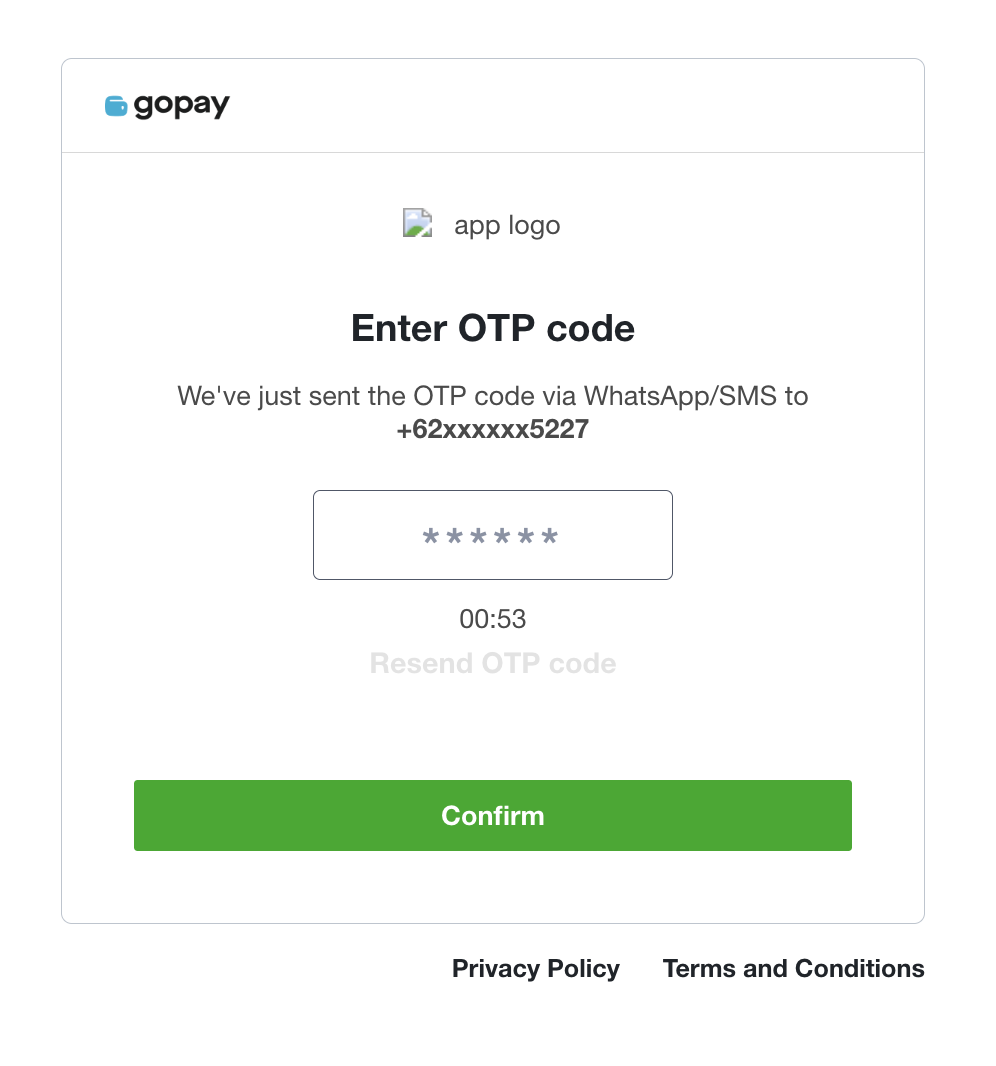
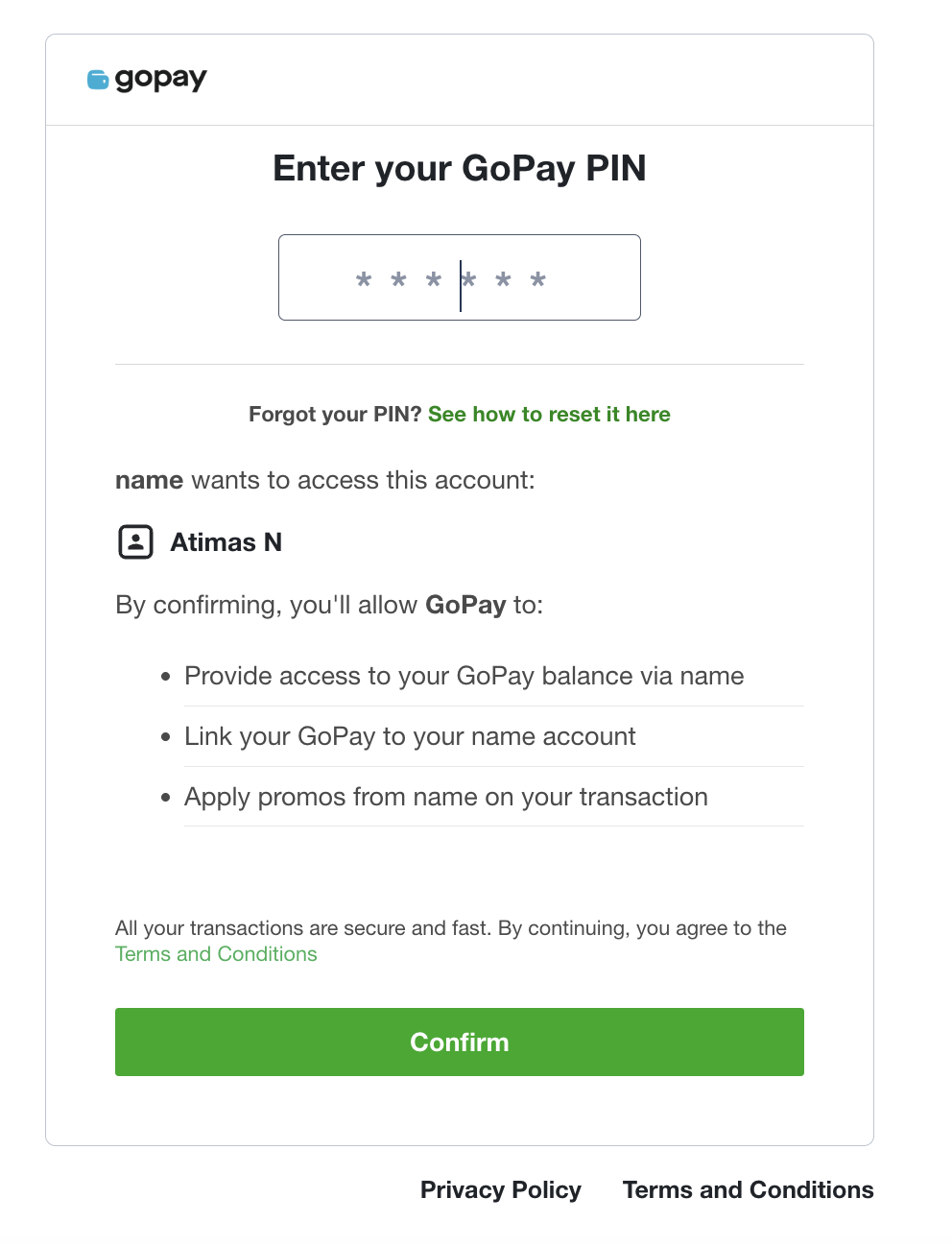
After
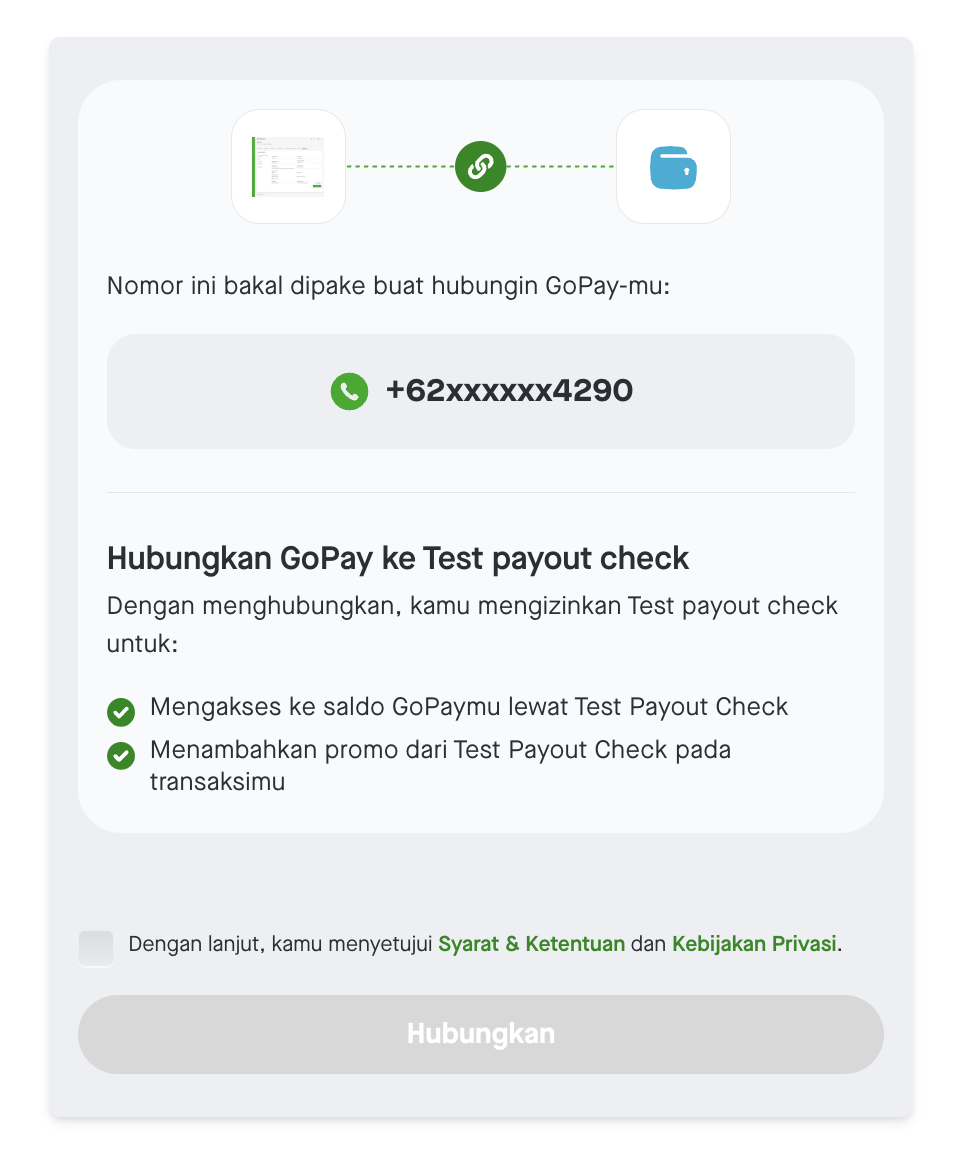
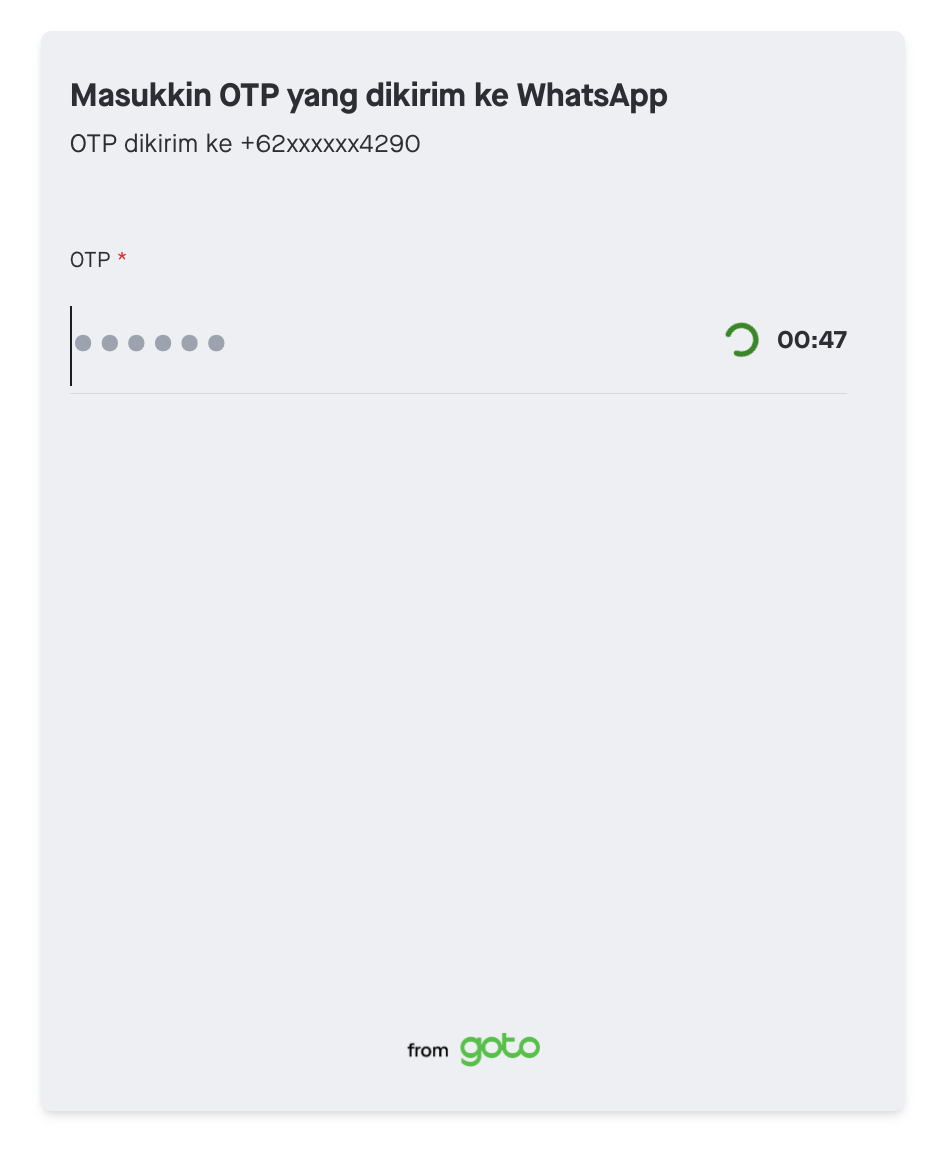
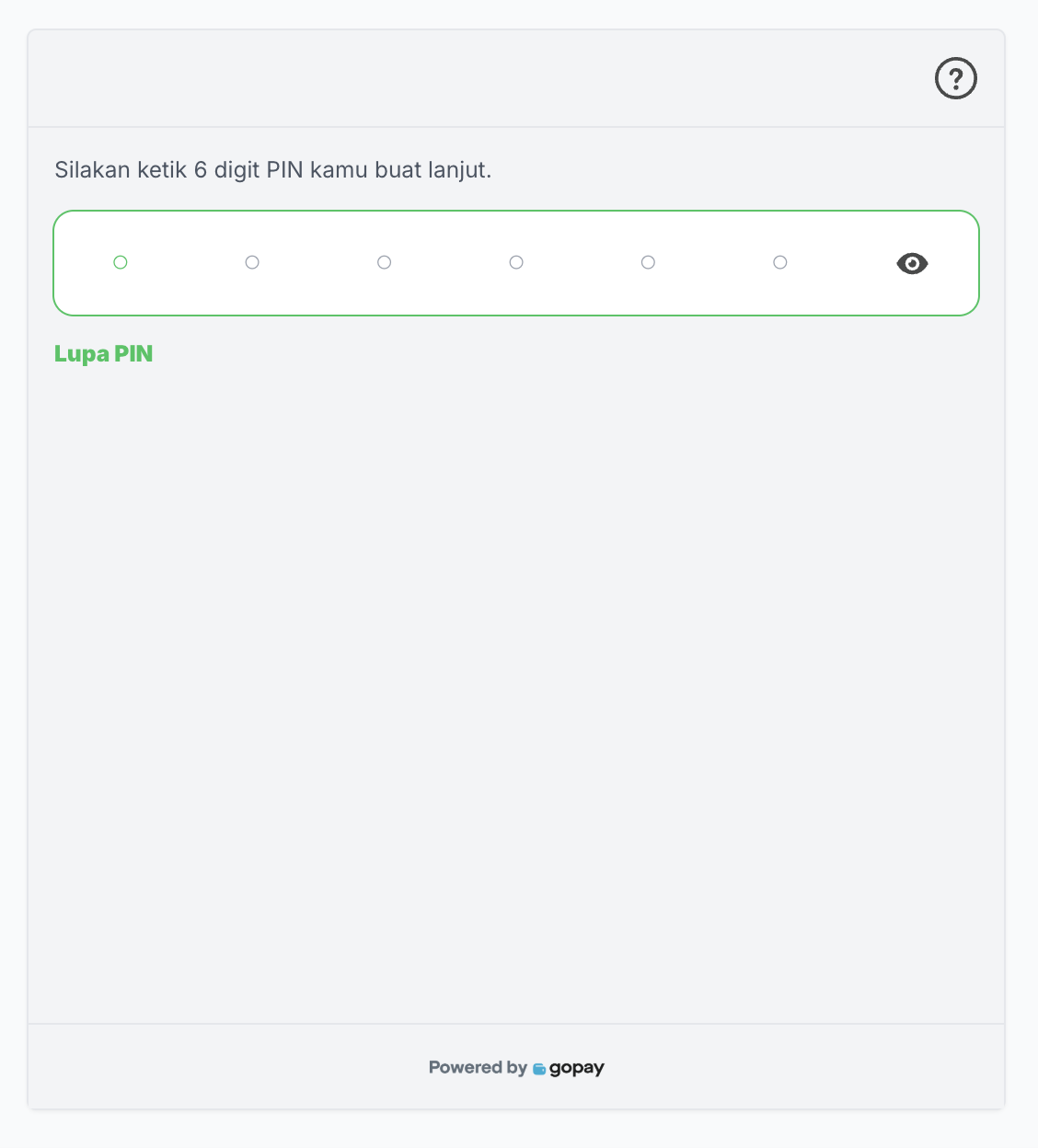
Please note that there will be a change of behavior of the GoPay Tokenization linking web page. The changes will be listed below.
What are the changes in the behavior?
| Change | Description | What merchants need to do |
|---|---|---|
| Additional GoPay web page domain | We will have 2 domains for the GoPay web pages. Merchant will need to whitelist both domains to support the new linking flow. The full domain list for linking flow is as listed below: | To ensure merchant is able to support GoPay flow on all times, we highly suggest merchant to not do whitelisting as GoPay might add/change the URL from time to time. If merchants apply whitelisting logic, merchant should whitelist both of the domains. |
| Production: (this domain is used for the PIN page) | ||
| Sandbox: (this domain is used for the PIN page) | ||
| Removal of inner iframe | In the old linking flow, the linking form was rendered within an inner iframe on the GoPay Web Page. As part of our ongoing efforts to enhance the user experience and improve the performance of our web pages, the inner iframe will be removed, and the form will now be rendered directly on the main page. | If merchant's integration includes custom handling that relies on the presence of the inner iframe - such as reading status or errorCode after redirection from within GoPay’s iframe - merchants may need to update their implementation to support this revised structure. |
GoPay Tokenization linking web page will be gradually rolled out to all GoPay Tokenization webview merchants from August 2025. Newly onboarded merchant will only be onboarded to new flow.
Please make sure that your integration have supported these changes to prevent issue on the linking flow.
New linking flow is now available in Sandbox!Merchant can try the new linking flow via Midtrans Sandbox. To understand more about testing GoPay Tokenization in Sandbox please refer to this API documentation.
GoPay account creation - new feature available on the new linking flow!User can now create a GoPay account during linking steps right from the merchant's app.
Account creation steps
- User initiate GoPay linking on merchant's app
- When user's phone number is not registered on GoPay, user will be asked to create a GoPay account & linking
- User will be asked to input their name for the GoPay account creation
- User then needs to confirm their account creation by inputting OTP sent by GoPay and set up GoPay PIN.
- Once done, user's GoPay account will be created and is directly linked to the merchant.
This feature is now available on GoPay Tokenization webview revamped (new) flow. Make sure you have migrated to the linking new flow to be able to enjoy this feature. You can reach out to your Midtrans representative to start the migration process.
Payments
After completing linking, merchant can initiate payments by calling the Charge API (Legacy flow), Direct Debit Payment API (GoPay Tokenization non Pre Auth - BI SNAP), or Auth Payment API (GoPay Tokenization Pre Auth - BI SNAP). If transaction requires user to do PIN authorization, Midtrans will return GoPay web page URL. Merchant is expected to open the web page so user can input their GoPay PIN and complete payment.
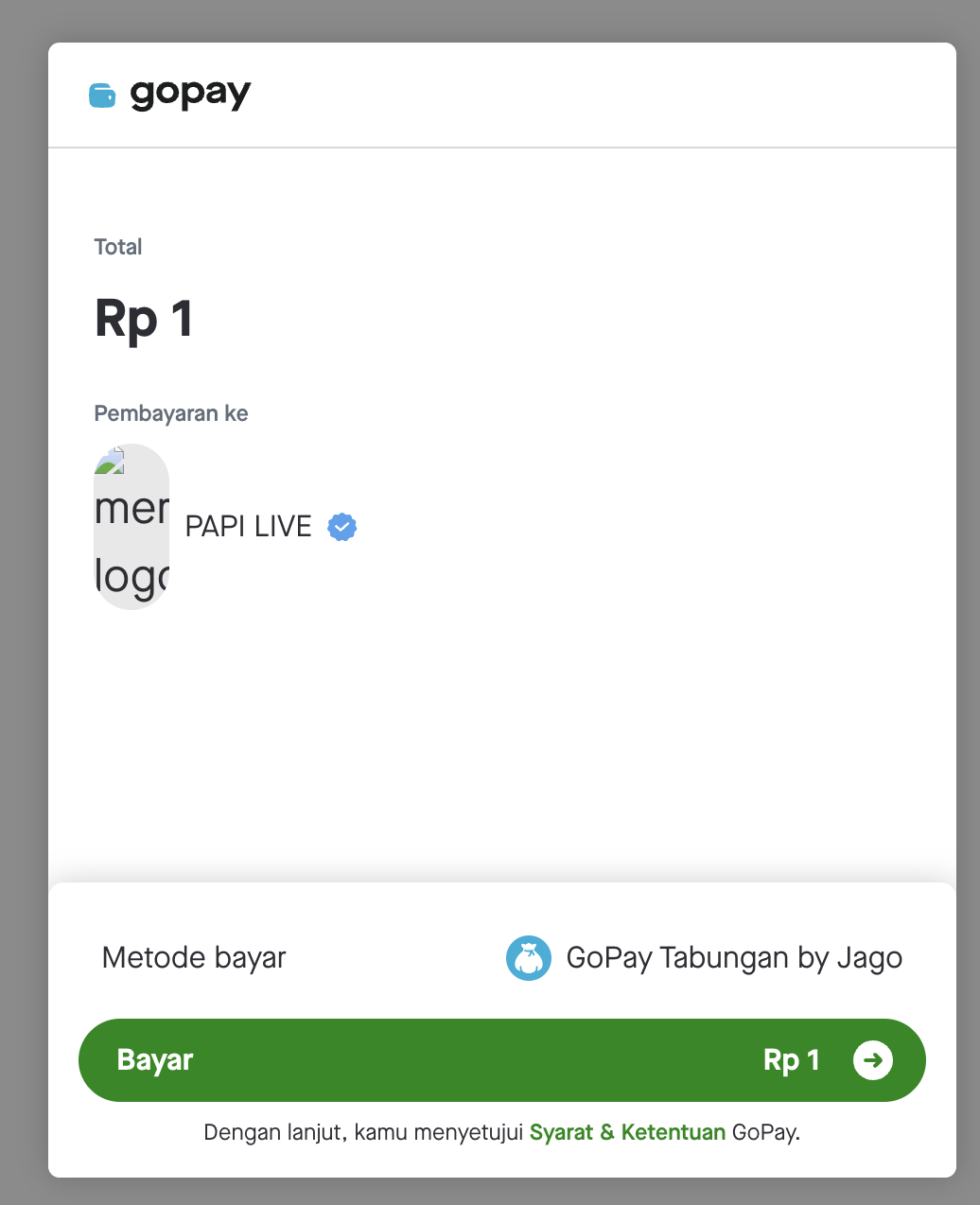
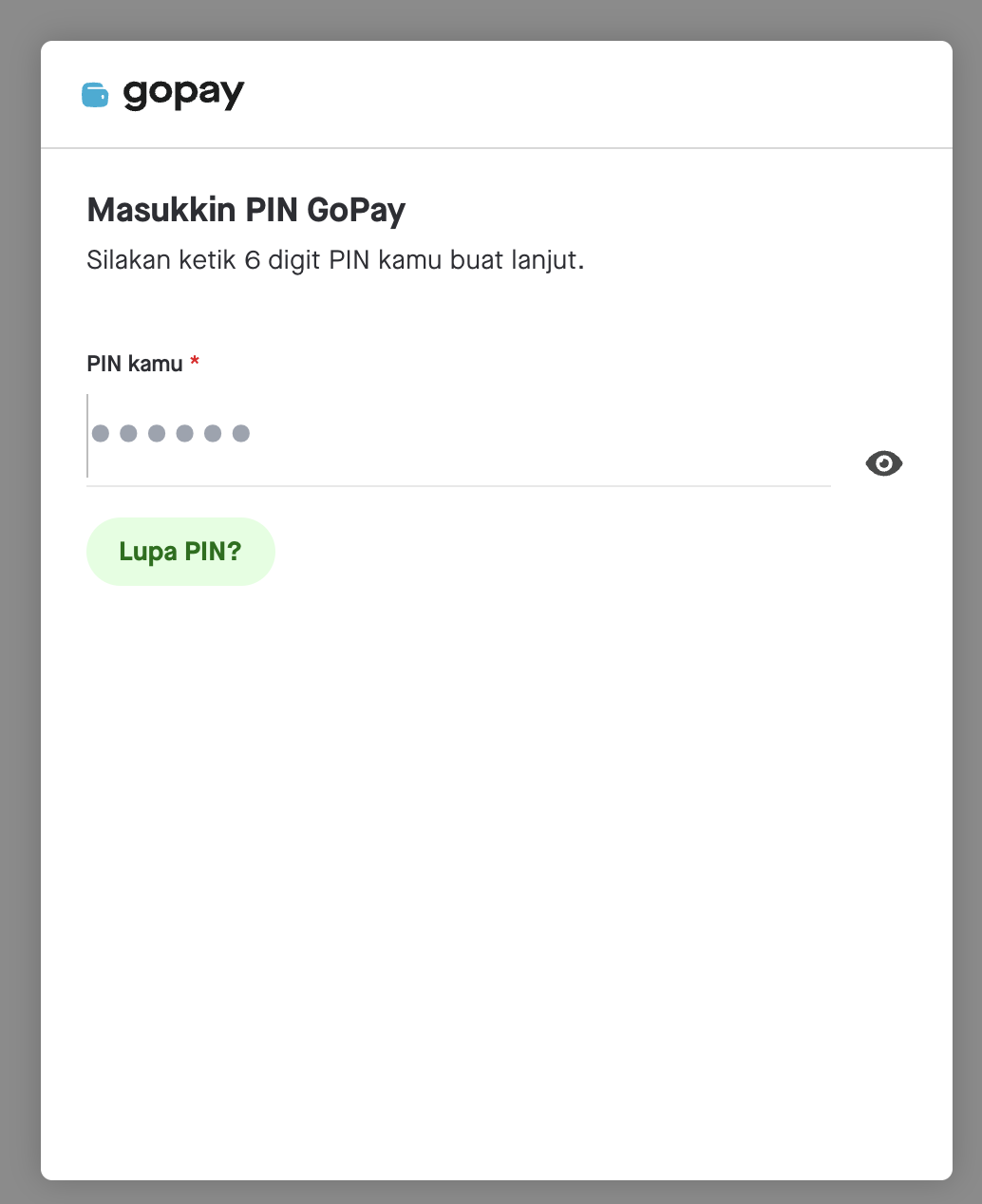
After payment completion, user will be redirected back to merchant's page
For more information on GoPay redirection, please read our technical FAQ page or directly contact your Midtrans Sales representative so we can assist you further.